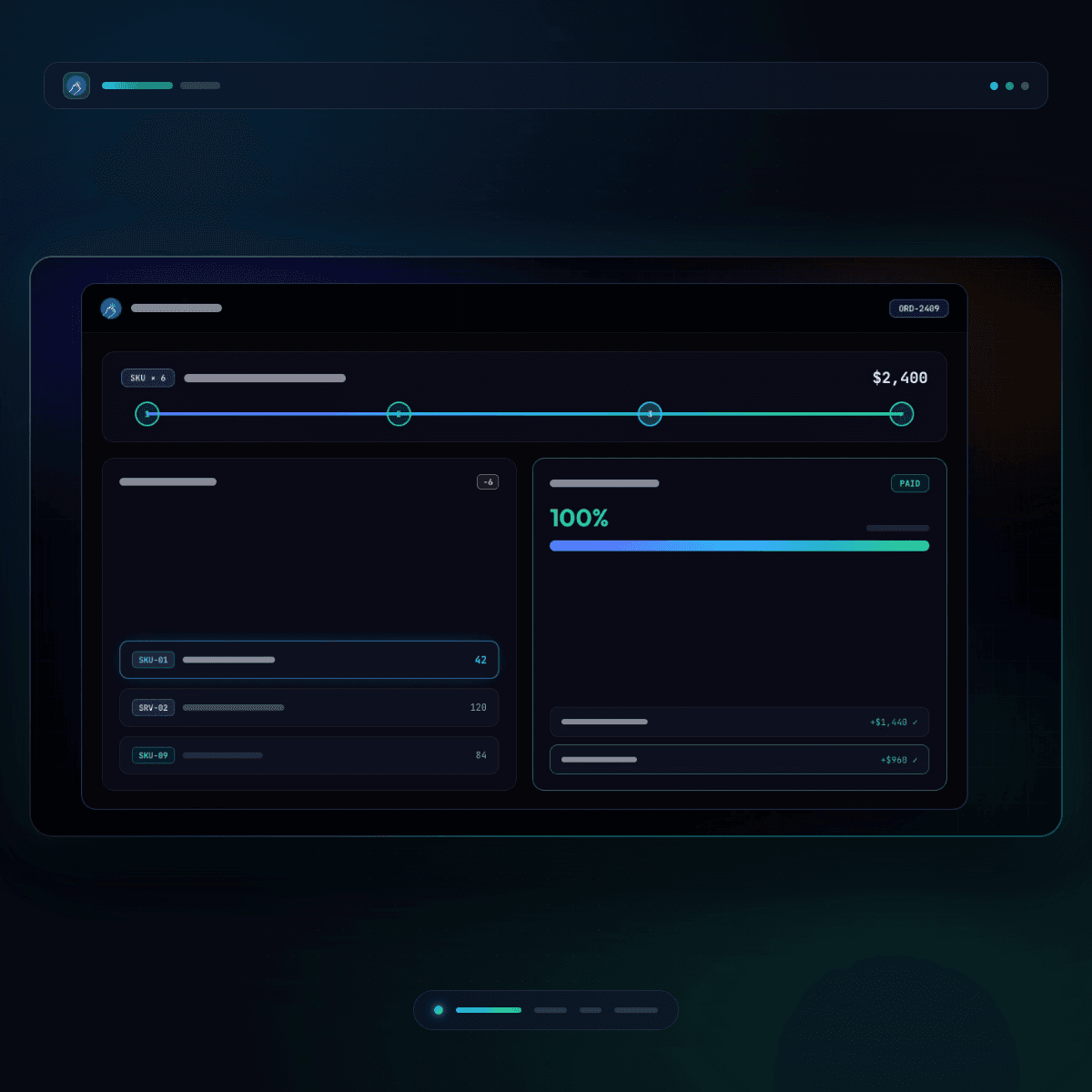
Services
- How it is soldOne-off / project, or a recurring subscription
- Renewal periodsWeekly, every two weeks, monthly, every three months, every six months, yearly
- Pricing unitPer job, per hour or per day
- PackagesPackage options, each with its own name, amount and feature list
- Included productsProducts that come with the service, in all packages or only the ones you choose
Define a service once and sell it on the same terms every time
Maintenance, installation, consulting, training: the scope of a service often lives in a proposal file, and its price in the head of whoever made the sale. In Meetlys every service has a record. It says what the service includes, what it costs, how often it renews and who delivers it.
A one-off job or a recurring subscription
When you define a service you choose how it is sold. The rest follows on the order.
| Model | When it fits | How it works |
|---|---|---|
| One-off / project | Installation, training, a single consulting job | Priced per job, per hour or per day |
| Recurring subscription | Monthly maintenance, regular support | Renews weekly, every two weeks, monthly, every three months, every six months or yearly |
| Usage-based | Work where the amount depends on hours or quantity used | Usage is recorded during the period and a statement is produced at the end |
Offer the same service at different scopes
Package options
Add packages under a service, each with its own name, amount and feature list. If you sell at a single price, you do not need packages at all.
Included products
List the products that come with the service, such as a maintenance kit included in a maintenance service. A product can be included in certain packages only.
Responsible specialists
Record who delivers the service, and choose who is told when an order comes in.
At the end of the period, read the amount from the record
On a maintenance contract a customer may use twelve hours this month and four the next. The amount is calculated from the usage you entered.
Enter usage
Record the quantity used during the period on the order, with a note if you like.
Preview the statement
Look at the usage statement before you close the period. If a quantity is far from the average of earlier periods, the app warns you.
Approve it
Once the statement is approved, the amount is added to the order balance and the next period begins. Approval cannot be undone; while it is still a draft you can cancel it and correct the entries.
Good to know. A usage statement is a breakdown for you and your customer. It is not an official invoice, and Meetlys does not issue invoices or e-invoices.
A sold service appears in the calendar of the person who delivers it
The time slots chosen on a service order are placed, in 20-minute slots, in the calendars of the specialists responsible for that service. Sold work and the team's time then sit in the same calendar. This is not a page where customers book appointments by themselves; the person entering the order picks the slots.
A service is sold with an order and delivered with a task
More details
The remaining details of this feature.
| Feature | In plain words |
|---|---|
| Usage-based billing | Record usage, preview the statement for the period and approve it |
| Usage statement | A period breakdown shared with the customer; not an official invoice |
| Calendar | Time slots on a service order are placed in the responsible specialists' calendars |
| What it is not | Not a self-service booking page for customers; no invoicing |
Bring your services and subscriptions into one list
Open Meetlys, define a service and see how it works on your first order.
Free for up to 3 people