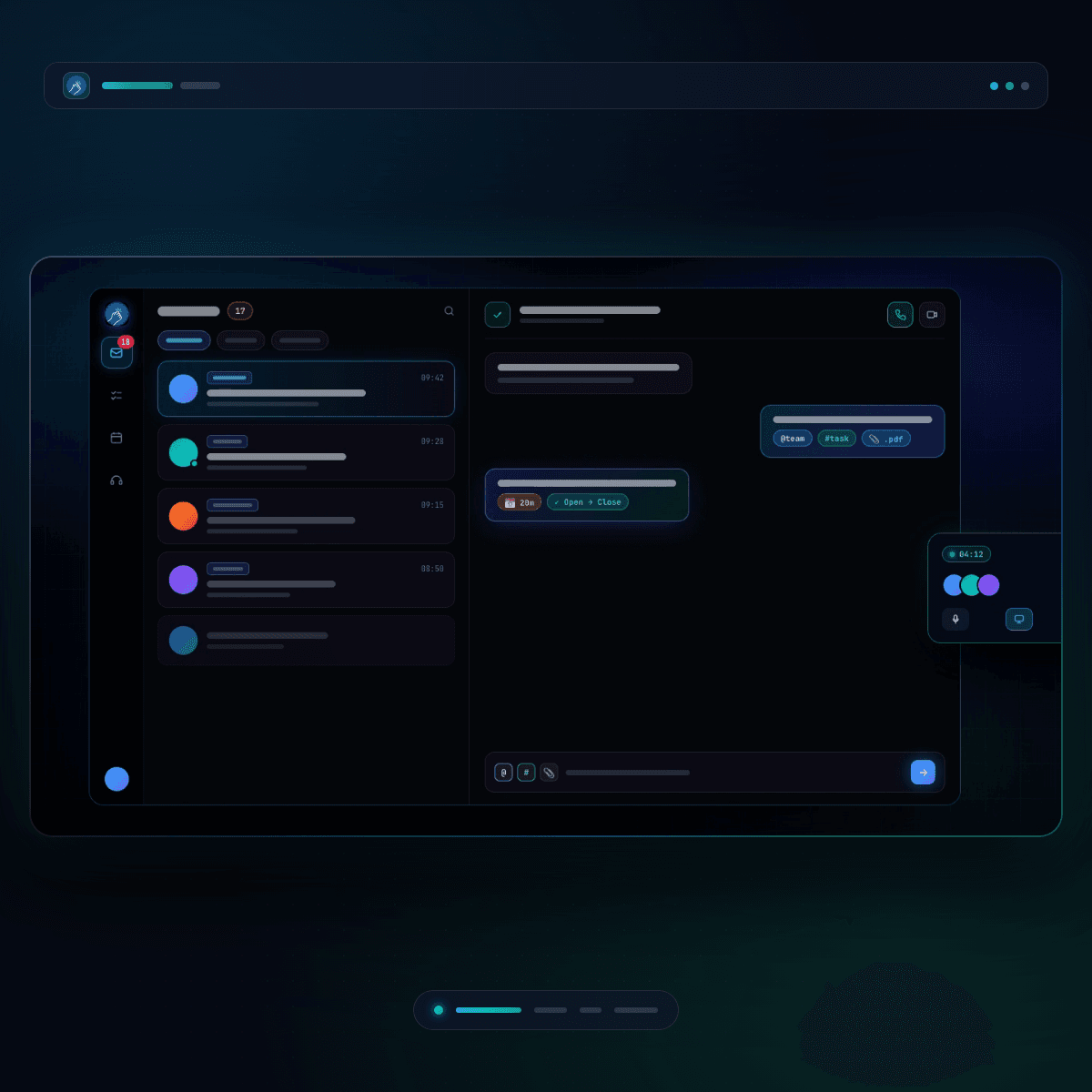
Inbox and Messaging
- InboxOne list for assignments, replies, mentions and invitations across all your work
- Inbox filtersCategory filters with unread counts, read and unread views, mark several items as read at once, search by subject
- Direct messagesReplies, emoji reactions, editing, forwarding, read receipts, typing indicator
- AttachmentsFiles, photos and voice messages; task, meeting and plan cards
- DraftsA half-written message is still there when you return to the conversation
Everything that needs you in one list, every conversation next to its work
The question about a task arrives in one chat app, the file comes by e-mail, and the decision stays in yet another thread. By the afternoon nobody remembers who said what.
In Meetlys the conversation sits on the task, meeting or support request it belongs to, and one inbox gathers everything that is waiting for you.
Start the day with a single list
Monday, nine o'clock: three comments on your tasks, a customer reply on a support request and a meeting invitation. All of it is in the same list. Tap an item and you land on the task, request or meeting itself.
- Filter by category with one tap; each category shows its own unread count, and the ones you use most move to the front
- Switch between read and unread, or mark several items as read at once
- Search by subject
- New items appear as they happen, and on a computer they also arrive as desktop notifications
- You only receive work you are actually part of, not everything in the company
One-to-one chat with everything you expect
You and a colleague share one conversation, whoever starts it.
Reply, react, edit, forward
Answer a specific message, react with an emoji, fix a typo after sending, or forward a message to other people.
Files and voice messages
Send documents and photos, or drag and drop a file on a computer. Record a voice message when typing is not practical.
Read receipts and typing
See that your message has been read and that the other person is writing back.
Drafts are kept
A half-written message waits for you when you come back to the conversation.
Write without a connection
Conversations open from your device. Messages you write offline are queued and sent when the connection returns.
Attach the work itself
Add a task, meeting or plan card to a message so the other person can open it directly.
Point at the work, not just at people
Type a symbol in a comment or a task description and pick from the suggestions. The mention becomes a chip with the real title; one tap opens the item. You can only mention what you are allowed to see.
| Symbol | Mentions | Example from a workday |
|---|---|---|
@ | People | Ask a colleague to review; they are notified in their inbox |
# | Companies | Name the client company the proposal is for |
^ | Departments | Refer to the department that owns the budget |
% | Boards | Link the board where the follow-up work is tracked |
& | Meetings | Point to the meeting where the decision was taken |
! | Tasks | Reference the task that is holding this one up |
~ | Support requests | Point to the request where the problem was first reported |
> | Locations | Name the branch or site the work is for |
The decision stays on the work it was made for
Every task, meeting, board, department and support request has its own conversation. You can attach files to comments, react to them and forward them. There is no separate audience to set up: whoever can open the record can see its conversation.
Good to know. Guests assigned to a single piece of work do not see the team's general chat, only the conversation of that work.
When writing is not enough
More details
The remaining details of this feature.
| Feature | In plain words |
|---|---|
| Offline sending | Conversations open from the device; messages written offline are sent when the connection returns |
| Smart mentions | Eight symbols: @ people, # companies, ^ departments, % boards, & meetings, ! tasks, ~ support requests, > locations |
| Comments on records | Tasks, meetings, boards, departments and support requests each have their own conversation |
| Who sees it | Whoever can open the record can see its conversation; notifications go only to the people on that work |
Bring the conversation back to the work
Open Meetlys in your browser and write your first message on the work it is about.
Free for up to 3 people