Working with clients and freelancers without oversharing: the guest model
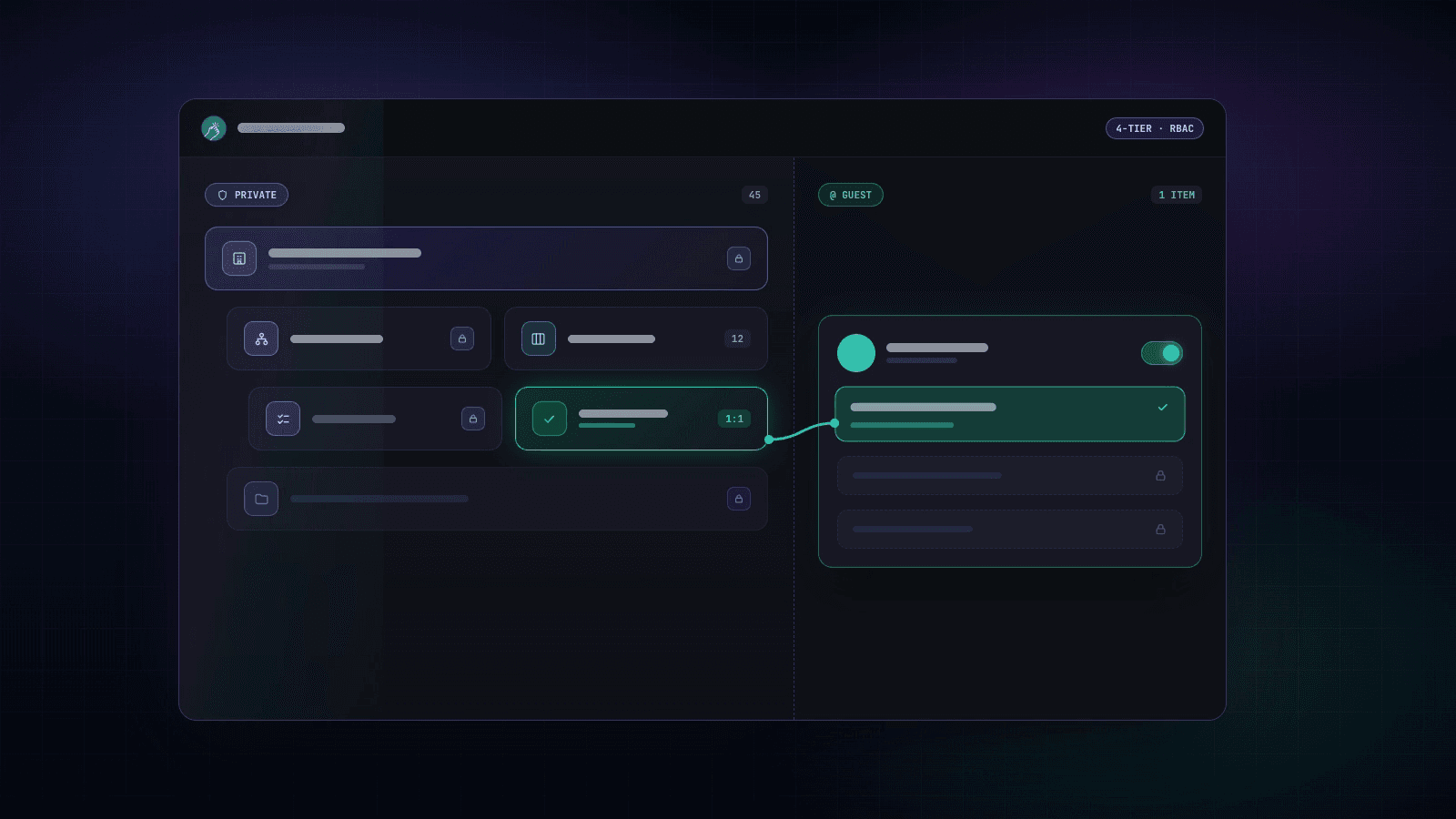
A freelance designer is going to prepare three banners for you. To give her the brief, someone adds her to the project space. Now she can also see the budget discussion, the notes from last week's client meeting and every file the team has uploaded since January. Nobody meant to share those. It was just the quickest way to get her the brief.
The opposite mistake is as common. To avoid oversharing, the team keeps the freelancer outside and sends everything by e-mail. Now the files live in two places, her questions arrive in one person's private inbox, and when that person is on leave, nobody knows where things stand.
There is a better pattern between "add them to everything" and "keep them out". This post describes it.
Why oversharing happens
Most tools grant access by place: a channel, a folder, a project. Places hold many things, so giving someone one thing means giving them the place. Narrowing access afterwards takes effort, and effort is what busy teams skip.
The second cause is time. Access is easy to give at the start of a job, when everyone is thinking about it. It is easy to forget at the end, when the job is done and attention has moved on. Guest accounts that outlive their project are rarely a decision. They are an oversight.
Four principles for working with outsiders
1. Share the item, not the place
An outside person needs the task they are doing, the meeting they are attending, or the request they raised. Start from that one item and add only what it requires.
2. Let access follow the assignment
If giving access is a separate step from assigning the work, the two drift apart. People get access with no work, or work with no access. Tie them together: being assigned is what opens the door.
3. Keep the conversation on the item
Questions and answers about the banner belong on the banner task, where the next person can read them. A private e-mail thread is invisible to the team and has to be forwarded before it is useful.
4. Make ending access as easy as starting it
One person should be able to pause or end a guest's access in one step, and it should take effect at once. If letting a guest go takes a checklist, it will be done late.
A short checklist before you bring someone in
- What exactly will this person do? Write it as one or more tasks.
- Which files do they need? Attach those to the task instead of pointing to a folder.
- Who on your side answers their questions?
- When does the work end, and who removes access then?
- Is there anything on the item itself they should not read, such as internal pricing in the description? Move it somewhere else first.
How this looks in Meetlys
Meetlys has a built-in guest model. Guests are called collaborators in the app, and they follow the principles above without extra setup.
- Guests are created by assignment. When you assign someone outside the team to a task, subtask, support ticket or meeting, they become a guest of that company, department or board automatically.
- They see only what is theirs. A guest sees the tasks assigned to them, the meetings they are invited to, and the files of those items. They do not see other people's tasks, cannot read or write in the team's conversation, and cannot change board settings.
- Subtasks narrow it further. Someone assigned only to a subtask sees the title of the parent task, but not its description, files, notes or messages.
- They do not need an account beforehand. Type the person's e-mail address when assigning, and send them the invite link. The work is waiting when they sign up.
- Admins keep the switch. Each company, department and board has a list of its guests. An admin can pause a guest or remove them, and access ends immediately across their tasks, meetings, tickets and files.
- Removal sticks. A guest who was removed or paused is not added back by a later assignment. Only an admin can bring them back, so a decision to end access is not undone by accident.
Two more pieces help with clients. For a single document, such as a quote, you can create a public share link for the file and revoke it whenever you want; outside access ends instantly and your team's access is unchanged. And if clients send you requests regularly, a support desk gives them a form and a conversation in which each requester sees only their own request.
Good to know. Guest access also depends on the visibility setting of the board or department. A unit that is limited to its own team, or to admins only, does not admit guests, so check the setting before you assign outside people.
Roles and visibility are explained on the team and organization page, and the help center walks through inviting people. See also agencies and consultancies.
What a guest model does not do
It does not replace judgment. If the task description contains something the guest should not read, they will read it, because the task is theirs. A guest also sees the files attached to their item, so attach with care. And a guest model governs what people can open; it says nothing about what they do with a file once they have downloaded it. Agreements and trust still matter.
The takeaway
Oversharing with clients and freelancers is seldom a choice; it is what happens when the easiest way to give someone one task is to give them the whole room. Share the item, let access follow the assignment, keep the conversation on the work, and make ending access a one-step job for an admin. Then bringing an outside person in is quick, and letting them go is just as quick.