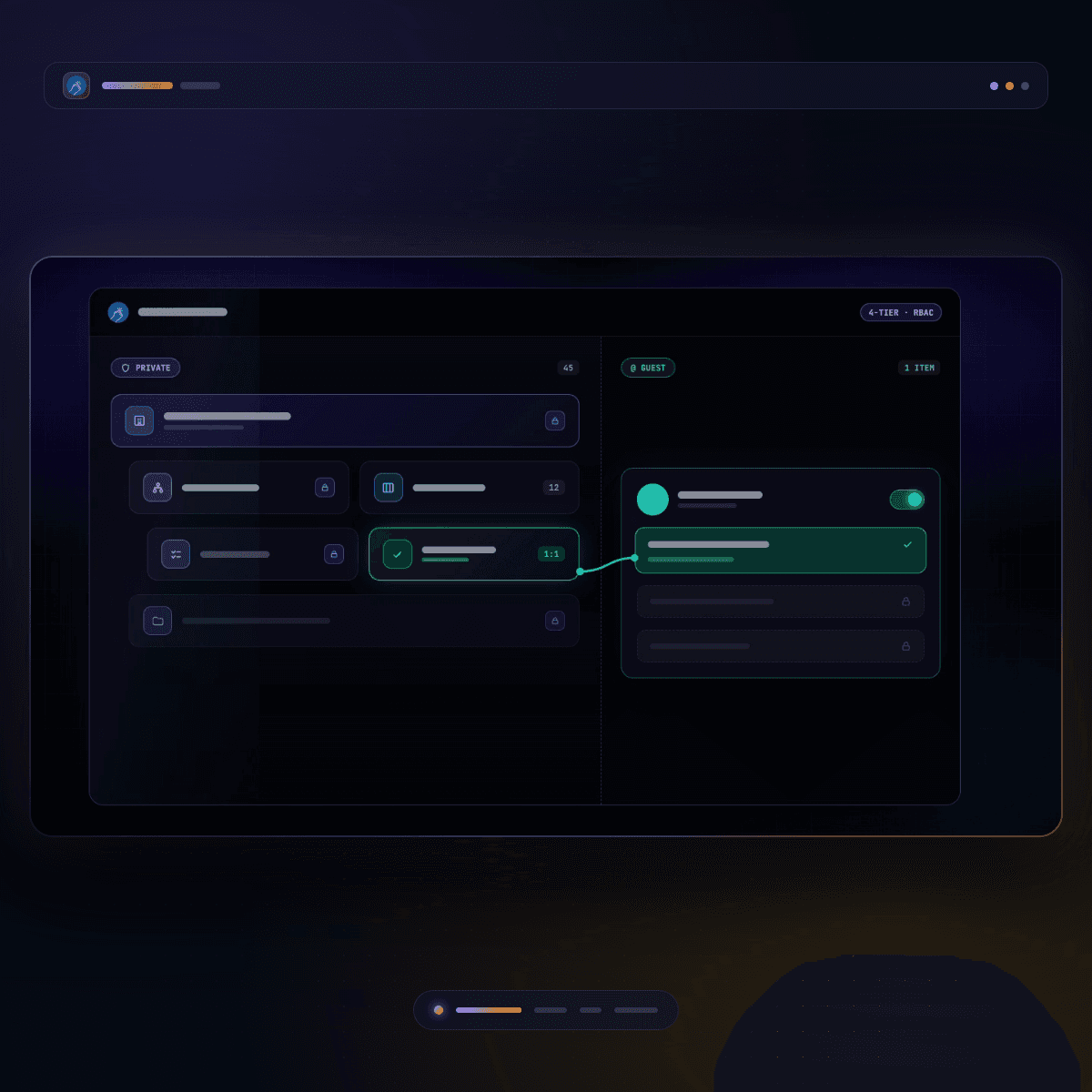
Team and Organization
- StructureCompany, department, location and board
- NestingParent and child companies, sub-departments and sub-boards
- RolesTwo roles per unit: Admin and Member
- VisibilitySet per unit, from company-wide down to admins only
- Parent ruleIf a parent unit is closed, everything under it is closed too
The right people see the right work, and nobody else does
Three questions come up in every growing team. Who can see this project? How do we let a freelancer into one task without showing them everything? When someone leaves, is their access really gone everywhere?
Meetlys answers them with a structure that mirrors your real organization. Set it up once, and tasks, files, notes and conversations take their access rules from it.
Build it the way your organization is built
Four levels. Companies, departments and boards can be nested, so a holding with subsidiaries, a department with sub-teams or a project with phase boards all fit.
Company
The top of the structure. A company can sit under a parent company.
Department
Sales, operations, HR. Departments can have sub-departments.
Location
An office, branch or campus, under a company and optionally a department.
Board
Where a project's or team's tasks are tracked.
Two roles, clear visibility
Each unit has just two roles, and a person can hold different roles in different units.
| Who | What they do |
|---|---|
| Admin | Manages the unit: adds and removes members, changes roles, sets visibility. Admins of a higher unit also manage the units below. |
| Member | Does the work: takes and completes tasks, comments, adds notes. |
| Guest (collaborator) | Not on the permanent team. Sees only the work assigned to them. |
- Visibility per unit: open a department to the whole company, keep a board to its team, or restrict a sensitive unit to admins.
- A closed parent closes what is under it: boards, tasks, meetings, notes and files under a closed company or department stay closed.
- Employment details stay private: working status and start and end dates are visible to admins only.
Let an outsider into one piece of work, not into your company
You assign the logo redesign to a freelance designer. That is the whole setup: Meetlys registers them as a guest (collaborator) of that unit, and they see that task and nothing else.
- A guest is created automatically when you assign an outsider to a task, subtask, support request or meeting.
- They see only that item and its files, not the team's other work or chat.
- Admins see a unit's guests in one list and can pause or remove them. Access ends right away.
- A removed guest is not added back by a later assignment. Only an admin can bring them back.
Good to know. Whether a unit admits guests depends on its visibility setting. A board open only to its own team does not.
People join with an invitation and leave in one step
Invite people who have no account yet
Type an e-mail address where you would pick a person, or share an invite link. You can assign the task first; the person joins when they accept.
A leaver's access ends everywhere together
Mark a person as having left, or let their end date pass. Access to the company and every department, location and board under it is cut at the same moment.
See where everyone sits and what they know
Employee profiles
Everyone adds education, work experience, skills and languages to their profile. Check it when deciding who takes a piece of work.
Organization chart
See companies, departments and people as a tree, or in a graph view. New colleagues find out who to ask.
The structure you build here guides the other features
More details
The remaining details of this feature.
| Feature | In plain words |
|---|---|
| Guests (collaborators) | Created automatically when you assign an outsider to an item; they see only that item |
| Managing guests | Admins can pause or remove a guest |
| Invitations | By e-mail address or invite link, even before the person has an account |
| Offboarding | A leaver's access to the company and every unit under it is cut together |
| Profiles and chart | Profiles with education, experience, skills and languages; an organization chart with tree and graph views |
Set up your organization once and let access fall into place
Open Meetlys, create your company and invite your team by e-mail or link.
Free for up to 3 people