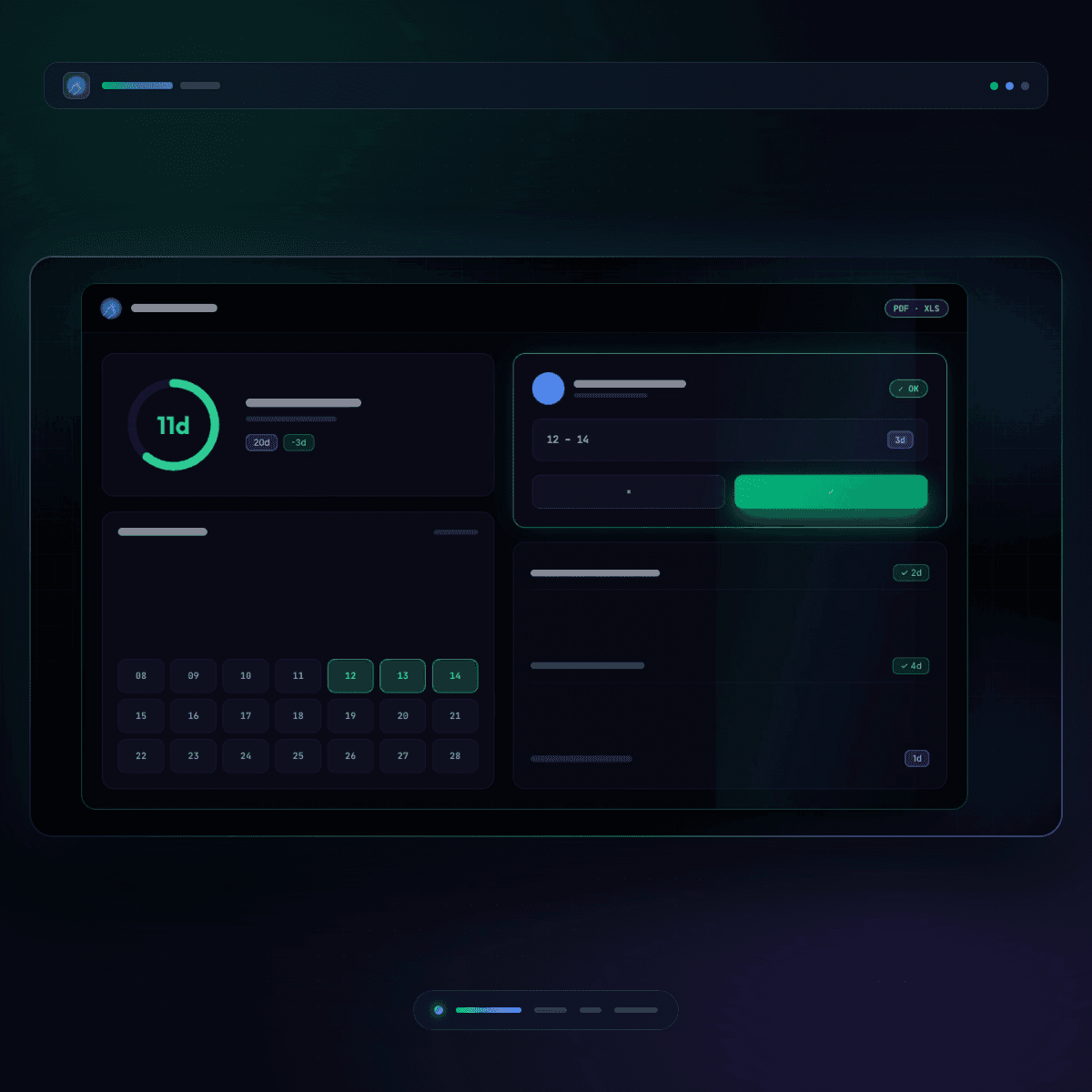
Leave Management
- Leave requestsCreate, edit, approve and reject requests in one place
- DurationA full day, part of a day or a few hours; holidays are not counted
- Leave typesDefined by your company, paid or unpaid, each with its own annual allowance
- Approval stepsDepartment manager, HR manager and company manager
- EntitlementCalculated from start date and years of service
Answer "how many days do I have left?" without opening a spreadsheet
A leave request starts as an e-mail, gets approved in a chat, and is typed into a spreadsheet a week later, if someone remembers. Then the balance is wrong and nobody knows why.
In Meetlys the request, the approval and the balance are the same record. The employee sees where it stands, the manager knows what they approved, and HR follows the whole company from one list.
Four steps from request to approved leave
The employee asks
They pick a leave type and the dates. A full day, part of a day or a few hours can be requested, and holidays are not counted.
The approvers decide
The request goes through your approval steps: department manager, HR manager and company manager. Each one approves or rejects.
The balance follows
Earned, used and remaining days are kept in step with what was approved and actually taken.
The team plans around it
Leave appears in the calendar and on the timeline, next to meetings and task work.
Every request has its own conversation and files. You can attach a doctor's note or settle the dates with your manager right there, and updates arrive in your inbox.
Leave types and entitlements the way your company defines them
Annual leave, sick leave, marriage or parental leave, a personal day: you decide which types exist and how each one behaves.
Your own leave types
Each type can be paid or unpaid and has its own annual allowance and color. You choose whether a request beyond the allowance is blocked.
Entitlement by seniority
Entitlement is calculated from each person's start date and years of service. You set your working days and hours, and leave is counted against them.
Carried-over balances
Days carried over from earlier years stay on the balance. If you are moving from a spreadsheet, you can enter existing balances and carried-over days when you start.
Good to know. Meetlys calculates entitlement from the rules you define. Making sure those rules match the regulations your company is subject to remains your responsibility.
The right person files it, the right person approves it
A field technician cannot get to a computer today. Their department admin files the request for them.
| Who | Can file a leave request for |
|---|---|
| The HR department team | Anyone in the company |
| Company admins | Anyone in the company |
| Department admins | People in their own department |
| Everyone else | Themselves only |
- Only people who are currently admins are offered as approvers, so a request never waits for someone who has left.
- HR sees leave requests and usage across the whole company, and manages leave types and working hours.
- Employees can check their own requests and balances whenever they like.
Excel when you need a list, PDF when you need a form
Export leave usage to Excel for your records. When a signed copy is needed, save a single leave request as a PDF.
Before you start. Switch leave on for your company and choose which department is your HR department. HR authority comes from that choice, not from what the department is called. Leave management is not a payroll, attendance or shift-planning tool.
Leave is part of how the team plans
More details
The remaining details of this feature.
| Feature | In plain words |
|---|---|
| Balances | Earned, used and remaining days, including days carried over |
| Starting balances | Enter existing balances and carried-over days when you begin |
| Filing for others | HR team and company admins for anyone; department admins for their own department |
| Exports | Leave usage to Excel; a single request as PDF |
| Setup needed | Leave switched on for the company and an HR department chosen |
Take leave requests out of your e-mail
Open Meetlys, define your leave types and send the first request through its approval steps.
Free for up to 3 people