Voice and Video Calls
- Call typesVoice and video; you can move from one to the other during the call
- Where calls startA one-to-one chat, a task, a meeting, a support request or a team
- Group callsDesigned for up to 6 people; more people can be invited while the call is running
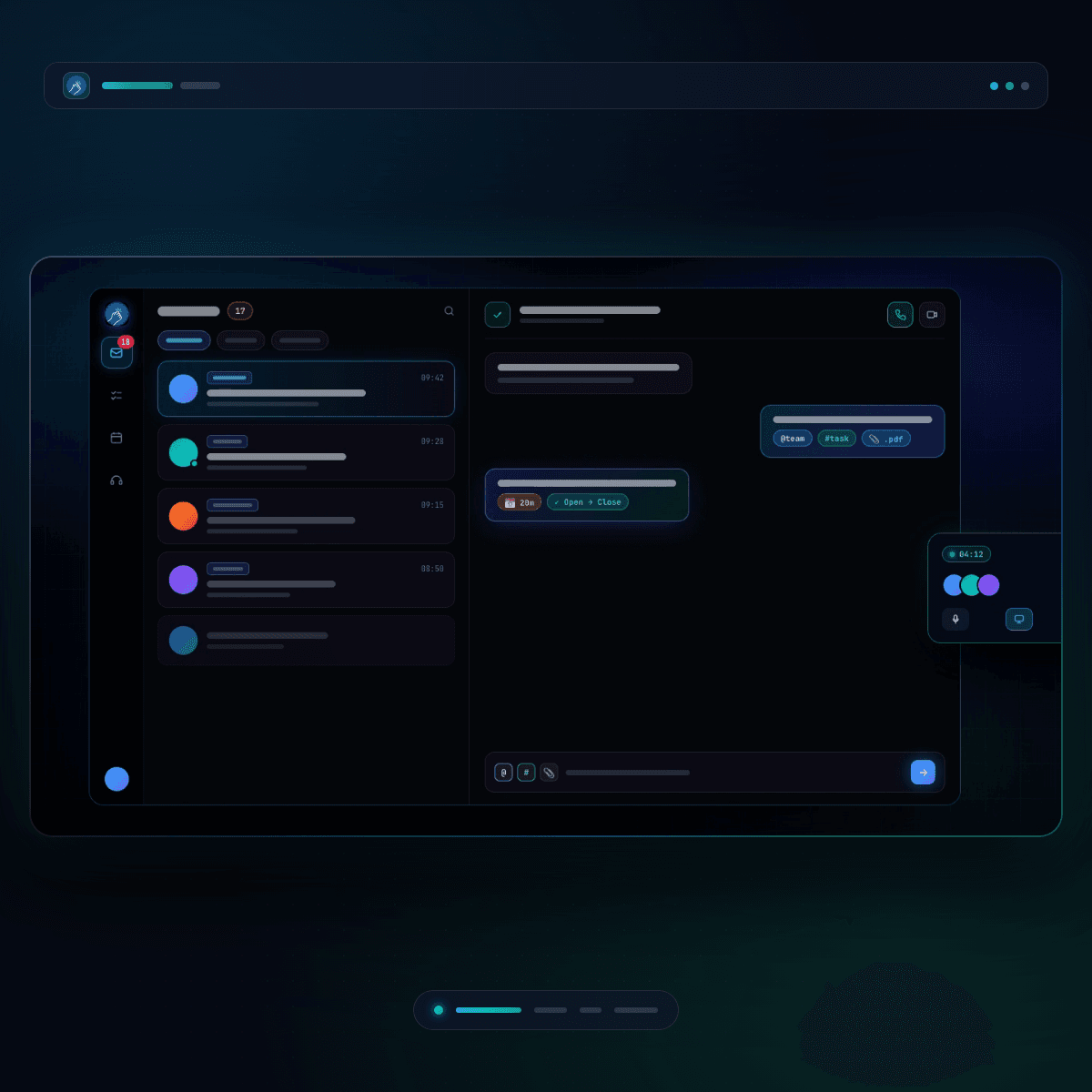
- Floating mini-windowThe call continues in a small, draggable window when you move to another screen in the app
- Ringing callsThe person called accepts or declines; a call not answered within about half a minute counts as missed
Settle in two minutes what would take five messages
A quick call should not start with creating a link, sending it to everyone and then looking for the right window. In Meetlys the call button is already inside the work you have open.
The call belongs to that chat, task or support request. It is clear who is being called and what the conversation is about.
Five places, the same button
| Start from | Example from a workday |
|---|---|
| A one-to-one chat | When the thread gets long, call your colleague from the chat header |
| A task | Go over the last details with the people on the task before delivery |
| A meeting | When the time comes, call the participants from the meeting itself |
| A support request | Talk the problem through with the person who raised it instead of writing back and forth |
| A team | Have a quick call with the team of a company, department or board |
Your work does not stop while you talk
Floating mini-window
Open a task or a note and the call keeps going. It shrinks to a small window you can drag around, with a timer on it.
Small group calls
Group calls are designed for up to 6 people. You can invite someone else while the call is running.
Move from voice to video
Turn on your camera or share your screen in a call that started as voice. There is no need to start a new one.
See who is muted
When you mute your microphone or turn off your camera, everyone can see it. Each participant's connection status shows on their own tile.
React without interrupting
Respond with an emoji while someone else is speaking.
Sound comes from the right place
On a phone, voice calls start on the earpiece and video calls on the speaker.
The call you missed is easy to find
When you call a person or a group, it rings on the other side, and the person called accepts or declines. A call that is not answered within about half a minute is recorded as missed.
- While the app is open, an incoming call appears as a banner with a ringtone
- Call history filters incoming, outgoing and missed calls separately
- Pick a date range or search by person
- Call back from any entry in the history with one tap
- The length of the call is shown on its entry
What it does and what it does not
Privacy. Audio and video are encrypted between the devices in the call. Meetlys does not record or transcribe calls. Only the caller and the people invited can see the details of a call.
Limits. Calls are designed for small teams, not for large broadcasts or webinars. If the app is closed on your phone, an incoming call reaches you as a notification, not as a full-screen ringing call.
What comes before and after the call is in the same place
Screen sharing and remote desktop
Show it instead of describing it, and with the other person's consent work on their computer together.
Learn moreInbox and messaging
Note what was agreed with a message in the same chat.
Learn moreMeetings
Schedule the meeting, then call from it when the time comes.
Learn moreMore details
The remaining details of this feature.
| Feature | In plain words |
|---|---|
| Call history | Incoming, outgoing and missed calls; date range, search and call back |
| Status in the call | Everyone can see who is muted, whose camera is off and who is sharing a screen |
| Reactions | React with an emoji during the call |
| Privacy | Audio and video are encrypted between devices |
| Not included | No call recording and no transcription; not designed for large broadcasts |
Ask the next question out loud
Open Meetlys, go to a chat or a task and tap the call button.
Free for up to 3 people