Conversations, plans and work in one workspace
Message, call, plan your day, run your tasks and answer customer requests. In Meetlys every message, file and note stays with the work it belongs to, so your team finds what it needs without hopping between apps.
Free for up to 3 people
Keep the work and the conversation about it in the same place
Most teams chat in one app, schedule in a second and track tasks in a third. A person makes every hop in between: copying a link, retyping a date, asking where that file went.
In Meetlys a task has its own conversation, files, notes and reserved time in the calendar. One inbox tells you what is waiting for you.
- Discuss a task on the task, not in a chat nobody can find later
- Reserve time for a meeting, a task or a support request from the same calendar
- Open a single item to an outside partner, not your whole workspace
19 features for your whole day
Start with what you need today. The rest is ready as your team grows.
Communication
Inbox and Messaging
One inbox gathers the conversations from all your work. Direct messages, comments on records and eight smart mentions in one place.
Take a lookVoice and Video Calls
Call from a chat, a task or a support request in one tap, and keep working while the call runs in a floating mini-window.
Take a lookScreen Sharing and Remote Desktop
Share your screen during a call and, with the other person's consent, work on their computer together. No separate tool to install.
Take a lookPlanning
Planning and Calendar
A shared calendar in 20-minute slots. Find time that suits everyone, settle conflicts with four clear choices and lock what must not move.
Take a lookMeetings
A meeting keeps its participants, responses, conversation, notes and files on one record. Call from it when the time comes.
Take a lookWork Management
Tasks
Give every piece of work an owner, a deadline and a priority, and look at your tasks as a list, a Kanban or an Eisenhower matrix.
Take a lookBoards and Projects
Give each project a board with its own team, stages and visibility, and keep its tasks, conversations, files and notes together.
Take a lookSupport Desk
Take requests from colleagues or customers through one form and answer them live, in the same app as the team doing the work.
Take a lookNotes
Write the note on the task, meeting or board it is about, go back to earlier versions, and keep writing without a connection.
Take a lookFiles
Files stay with the task, meeting or chat they belong to and follow its permissions, and outside sharing can be taken back at any moment.
Take a lookOrganization
Team and Organization
Set up companies, departments, locations and boards, decide who sees what, and end a leaver's access everywhere in one step.
Take a lookLeave Management
Leave request, approval and balance in one record. Define your own leave types, set entitlement by seniority, export to Excel or PDF.
Take a lookCommerce
Products
Keep what you sell in one catalog, with codes, variants, tiered prices and stock levels, so the whole team reads the same list.
Take a lookServices
Define one-off jobs and recurring subscriptions with packages, bill by usage, and see the work in your specialists' calendars.
Take a lookOrders
Follow the orders you receive and place in one list, with approval, eight statuses and stock that updates as each order moves.
Take a lookInventory
Know which warehouse, branch, project or person holds your stock, with every receipt, issue, transfer and count kept in its history.
Take a lookPayments and Collection
Record the payments made against your orders and see what has been collected, what is outstanding and the balance left on each.
Take a lookAI
AI Assistants
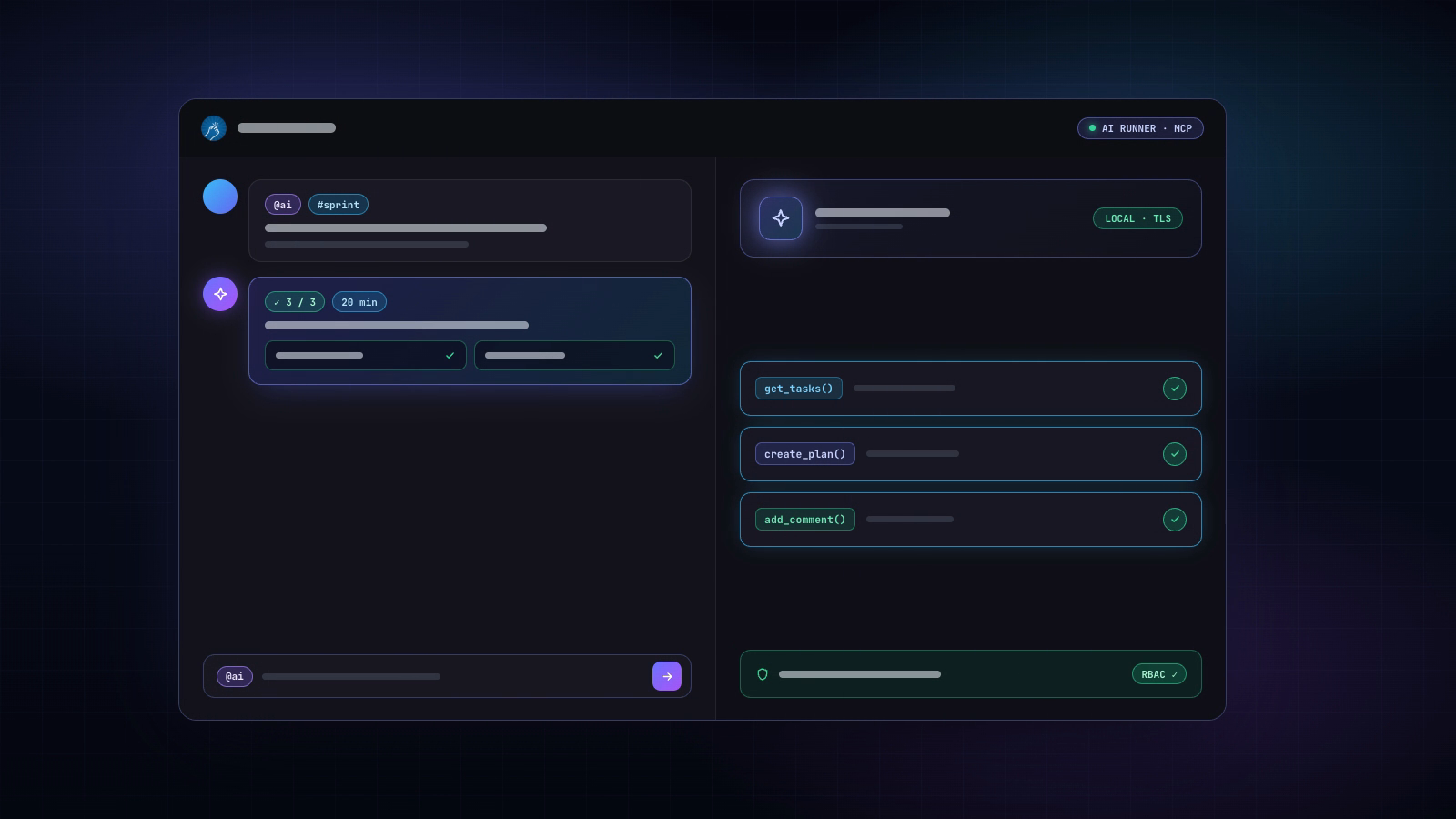
Add an AI assistant that answers in your tasks, boards and chats. It runs on your own computer with the AI tool you already use.
Take a lookConnect Your AI Tool
Connect the AI tool you already use to your Meetlys account and manage tasks, plans and notes in plain language, with your own permissions.
Take a lookNever book a colleague into the same hour twice
Meetlys divides the day into 20-minute slots and shows when everyone you picked is free. If a new plan overlaps another one, you decide what happens, and the plans you lock stay where they are.
- Four conflict choices: reschedule, split and slide, overwrite, or allow the overlap
- Daily, weekly, monthly and yearly recurring plans
- A live timeline at the top of every screen showing what is now and what is next
Work with clients and freelancers without showing them everything
When you assign an outsider to a task, a support request or a meeting, they join as a guest and see only that item. Your internal conversations and the rest of your work stay yours.
- Invite someone who has no account yet by e-mail address
- Pause or remove a guest at any moment
- When someone leaves the team, their access ends everywhere at once
Give AI a seat in your team, on your terms
Create an assistant with its own name and @username, add it to tasks, boards and chats, and write to it as you would to a colleague. It runs on the AI tool you already use. Or connect your own AI tool straight to your Meetlys account, where it can see only what you can see.
Work continues with or without a connection
Works offline
Screens open from data saved on your device. New tasks, notes, meetings and messages are queued and sent when the connection returns.
Updates live
New messages, inbox items, calendar changes and support requests appear without refreshing the page.
On the devices you use
Open it in a browser or install it on your phone, tablet and Mac or Windows computer. The same account works on all of them.
Shaped around how your team works
Each page walks through the everyday situations of that team.
Agencies and consultancies
Bring clients and freelancers into their own work, and nothing else.
Open the pageSoftware and product teams
Kanban boards, bug reports, and your AI tool connected to your tasks.
Open the pageCustomer support teams
From the request form on your website to live messaging, in one queue.
Open the pageField and service businesses
Keep working on site without a connection, with services, orders and stock at hand.
Open the pageHR and operations teams
Leave requests, approvals, balances and the org chart.
Open the pageSmall businesses and startups
Messaging, planning and tasks from day one; the rest when you need it.
Open the pageR&D teams
Projects from idea to prototype, notes with version history, and controlled work with outside partners.
Open the pageManufacturing companies
Stock, purchasing and maintenance requests in one place; plant and office in one flow.
Open the pageNotes on working better
From a blank workspace to a working one: start by describing your business to AI
Instead of guessing which departments and boards a new workspace needs, describe your business to AI: plan first, then have the st...
Read the article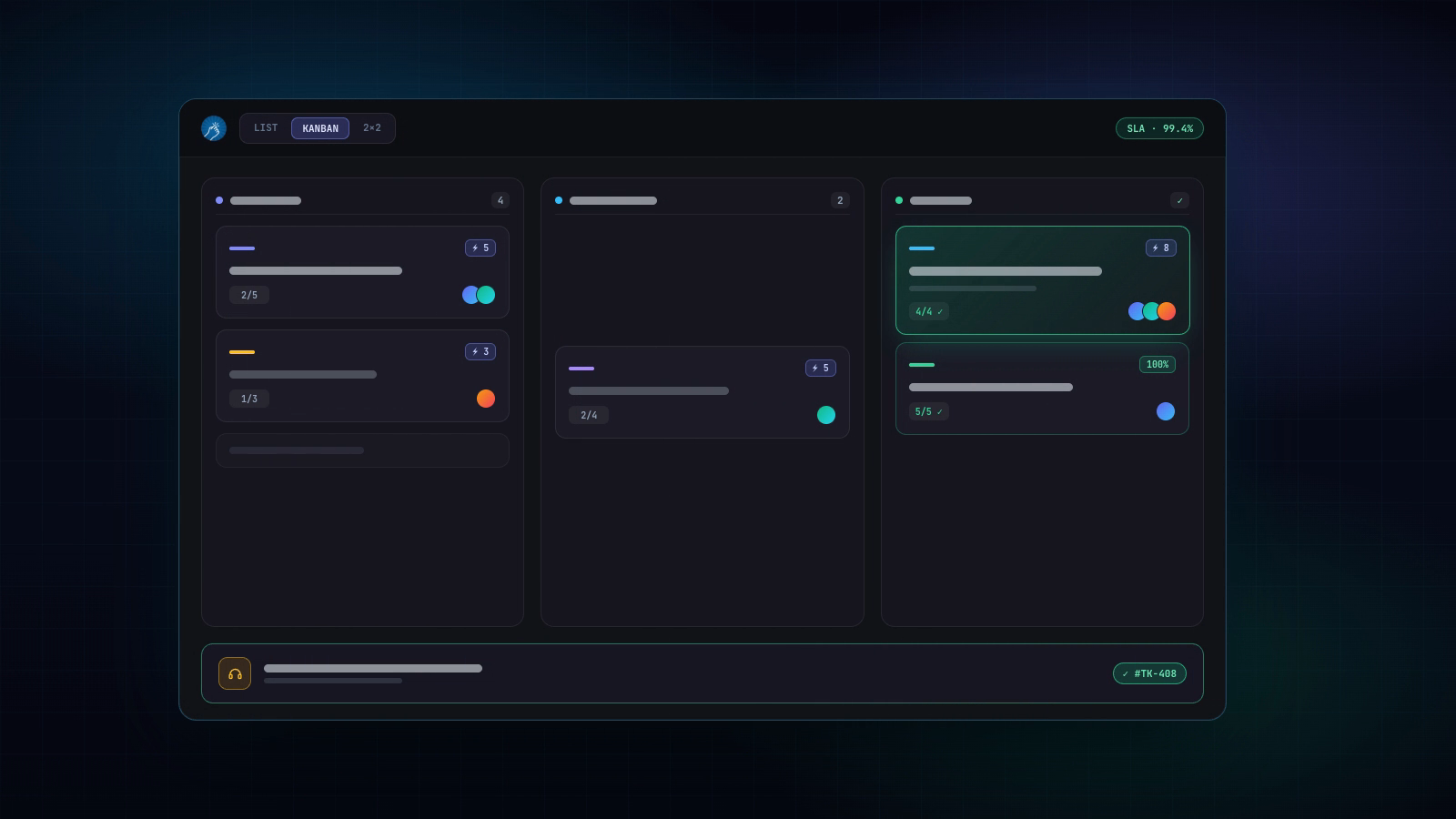
Turning scattered customer requests into one orderly queue
When requests arrive by phone, e-mail and chat, one of them is always forgotten. How one door, a short form, clear ownership and a...
Read the articleGiving an AI assistant a seat in the team: what to delegate and how to stay in control
Moving the AI assistant out of a separate window and into the place where the team works: what to delegate, how to stay in control...
Read the articleThe first questions people ask
What is Meetlys and who is it for?
Meetlys is a single workspace app where a team messages, calls, plans its time, tracks tasks, answers support requests and keeps notes and files together. It is built for teams and team leads who are tired of moving between separate tools for chat, calendar and task lists.
It also covers company structure, leave requests, and a product, service and order catalogue, so a small business or a department can run most of its day in one place. See the features overview.
Which devices does Meetlys work on?
Meetlys works in the browser at app.meetlys.com, on iPhone and iPad, on Mac, on Android, and on Windows 10 and 11.
The mobile, Mac and Windows apps come from the App Store, Google Play and the Microsoft Store; the links are on the download page. There is no publicly distributed Linux desktop app today, so on a Linux computer you use the web app. You sign in with the same account everywhere.
Can I use Meetlys without an internet connection?
Yes, for most everyday work. Screens open from the data saved on your device, and new or edited tasks, support tickets, meetings, notes, boards, departments, companies and messages are queued and sent when the connection returns.
Not everything works offline: calls need a connection, and some areas can only be viewed as they were last saved. Signing out clears the local data on that device, so stay signed in if you expect to be offline.
How much does Meetlys cost?
Meetlys is priced per team, not per user. There are four tiers: Free for up to 3 people, Pro at $100 a month for up to 15, Business at $320 a month for up to 50, and Enterprise at $500 a month for up to 100. Every tier includes every feature; tiers also differ in storage (5 GB to 1 TB) and record limit.
For teams larger than 100 people or an On-Prem deployment, talk to us. Details are on the pricing page.
Can I work with clients or freelancers without showing them everything?
Yes. When you assign someone from outside your team to a task, subtask, support ticket or meeting, Meetlys adds them as a guest collaborator automatically, and they see only that item and its files.
A guest cannot browse your other tasks, read the team conversation or change settings. An admin can pause or remove a guest at any time, and access ends straight away. A removed guest is not added back by a later assignment; only an admin can do that. More on the team and organization page.
What are AI assistants and what do I need to run one?
An AI assistant is a team member with its own name, @username and AI badge. You add it to teams, tasks, boards and chats, then message or mention it, and it answers in the same conversation.
To run one you need Meetlys AI Runner, a small helper program on your own computer (macOS 12 or later, Windows x64, or Linux), and an AI tool you already use: Claude Code, OpenAI Codex, Google Antigravity, or a local model through Ollama or LM Studio. Details are on the AI assistants page.
Bring your team's day into one place
Open it in your browser or install the app on your phone and computer. If you have questions, write to us.
Free for up to 3 people