Boards and Projects
- Where a board sitsUnder a department, a location or the company directly
- Board teamTwo roles: Admins who manage the board and Members who do the work
- VisibilitySix levels, from public to admins only
- Parent ruleIf the parent unit is closed, the board and its contents are closed too
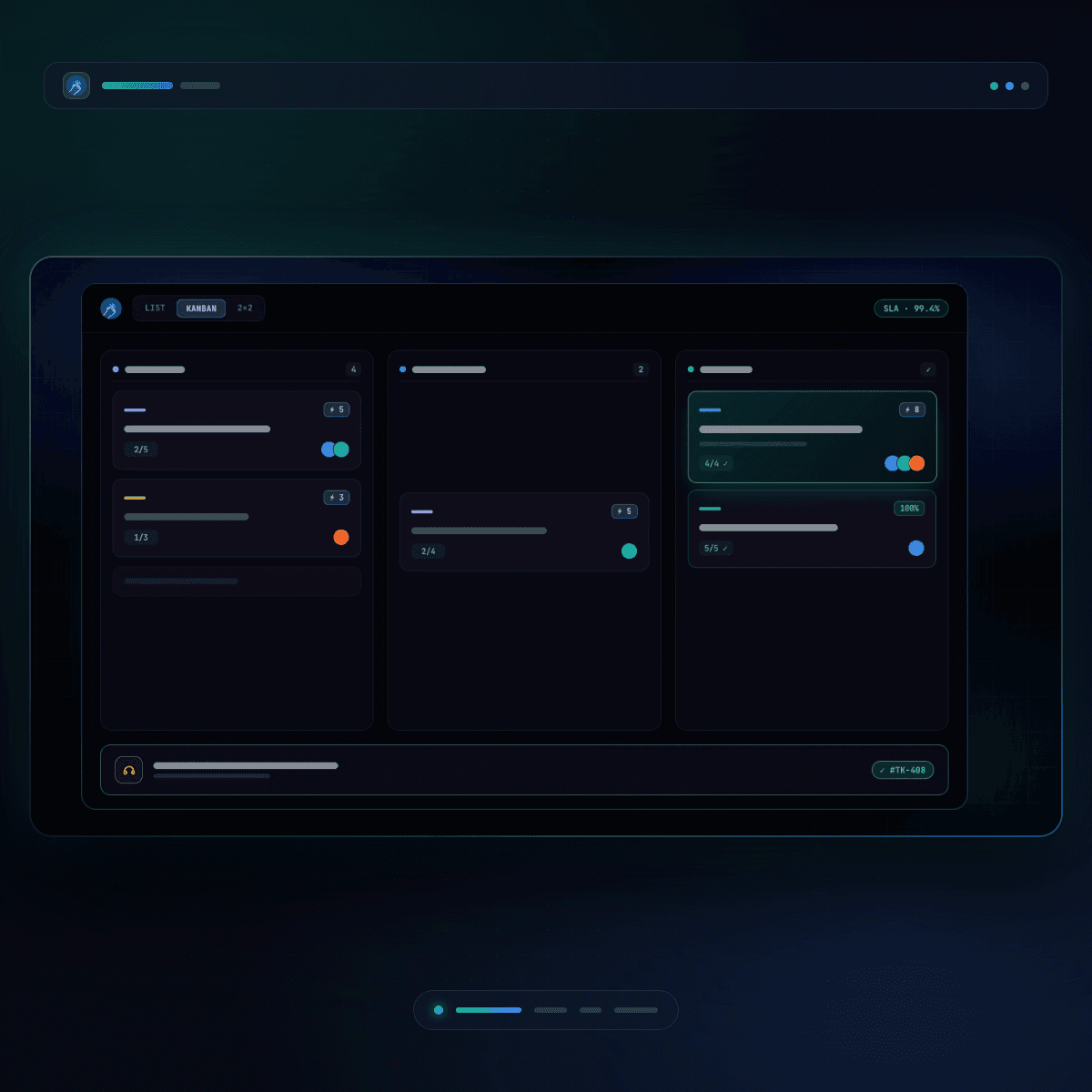
- Workflow stagesThe steps you define in order become the Kanban columns
Give each project its own team, its own stages and its own door
When all the work sits in one list, it is hard to tell which task belongs to which project. Either everyone sees everything, or nobody finds what they need. In Meetlys a board is the workspace of one project or team: it gathers the tasks, conversations, meetings, files and notes in one place.
You decide who can see the board and which stages the work goes through.
A working board in four steps
Open the board and choose where it belongs
A board sits under a department, a location or the company directly, so its place in your company structure is clear from the start.
Set the team
Add the Admins who manage the board and the Members who do the work. Admins of a parent unit keep management rights over the boards below it.
Choose the visibility
Pick one of six levels, from public to admins only.
Attach a workflow
Define your own stages and assign them to the board. They become the Kanban columns.
Six visibility levels
The whole company can see a client project. A board about salary adjustments should be seen by managers only. You decide for each board separately.
| Level | Who can see it |
|---|---|
| Public | The widest visibility level |
| Company-wide | All employees of the company |
| Department only | The team of the department the board belongs to |
| Project team and guests | The board's team and guests who have work assigned on the board |
| Project team only | The board's own team |
| Admins only | Board admins and admins of the units above |
If the parent is closed, so is everything under it. When the company or department a board belongs to is closed, the board stays closed too, together with its tasks, notes and files. On an admins-only board, tasks, their attachments and their comments are completely hidden from people without permission, and no notifications go to them.
Make the board mirror how your team really works
Your own stages
Define steps in order, such as "Request received, Design, Approval, Published". The same workflow can serve more than one board.
Sub-boards
Divide a large project: open a separate board for each phase under the main board. Lists can show only the main boards if you prefer.
Everything in tabs
The board detail puts the process view, a timeline, conversations, meetings, support requests, files, notes and planned work side by side.
- If no workflow is assigned to a board, the Kanban view has no columns; choose a workflow first.
- On desktop you can pin the tabs you use most.
- When a board is linked to a location, that location's admin also manages the board and its tasks.
- Boards you create or edit without a connection are sent when the connection returns.
A board comes to life through the work inside it
More details
The remaining details of this feature.
| Feature | In plain words |
|---|---|
| Sub-boards | Phase boards can be opened under a main board |
| Board tabs | Process, timeline, conversations, meetings, support requests, files, notes, planned work |
| Guests | An outsider with work assigned on the board sees only that work |
| Offline | New and edited boards are sent when the connection returns |
Open your first board for the project you are on today
Open Meetlys, create the board, define your stages and invite your team.
Free for up to 3 people