When the connection drops: working in the field, on the road and in the basement meeting room
A service technician finishes a repair in a plant room two floors below ground. He wants to close the job, add a note about the part he replaced and tell the office he is free. His phone shows no signal. He writes the note on paper, plans to enter it later, and by evening has done four more jobs. Two of the notes make it into the system the next morning. One never does.
You do not have to work underground for this to be familiar. Trains, elevators, parking garages, customer sites where the guest Wi-Fi needs a password nobody knows, a meeting room in the basement: the connection drops exactly when you have something to record.
What really goes wrong without a connection
The lost minutes are the small part. The real costs are these:
- Information is recorded late, or from memory. A note written three hours afterwards is shorter and less accurate than one written on the spot.
- Work is entered twice. First on paper or in a personal notes app, then again in the team's tool.
- The office decides on old information. The dispatcher still sees the job as open and cannot plan the next one.
- People stop trusting the tool. After a few screens that never finish loading, they stop opening it in the field at all.
Habits that help, whatever tool you use
Open what you need before you leave
Before going somewhere with poor coverage, open the tasks, the customer record and the files you will need while you still have a connection.
Capture first, tidy later
Write the note at the moment the work is done, in as few words as it takes. A rough note made on the spot is worth more than a polished one made tomorrow.
Agree on the essentials
Decide as a team what must be recorded for every job: what was done, what was used, what is still open. Three lines that everyone writes are worth more than a long form nobody fills in.
Know what your tool does offline
This is the one most teams skip. Find out which actions your app saves and sends later, which ones it refuses, and whether it tells you clearly that something is still waiting to be sent. Test it once on purpose: switch to airplane mode, create a task, and watch what happens.
How this looks in Meetlys
Meetlys is designed to keep working when the connection does not.
- Screens open from the device. Lists and details are shown from the data saved on your device, so you see your tasks, meetings and conversations without waiting for the network.
- Changes are queued. New or edited tasks, support tickets, meetings, notes, boards, departments, companies and messages are saved on the device and sent when the connection returns. The technician above can update the task and write his note in the plant room.
- Messages wait their turn. A message written offline is queued in the conversation and goes out once you are connected. Unsent drafts are kept.
- You can see the connection state. A banner tells you when the app is reconnecting or disconnected, and after reconnecting it fetches what you missed.
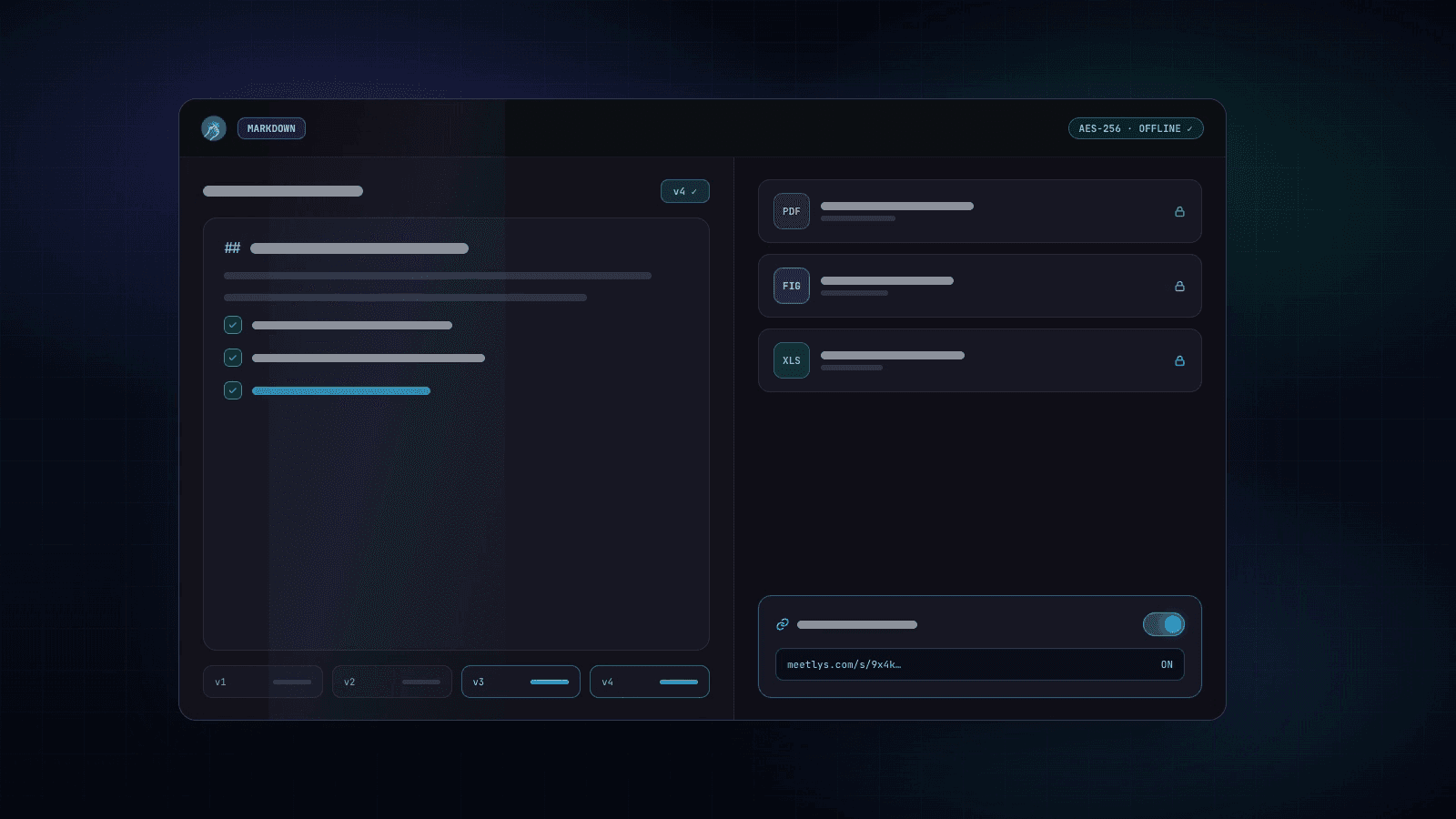
- Notes work offline. Notes can be read, written and edited without a connection, and they keep a version history you can restore from. See notes.
For teams who spend their days on the road, the field and service businesses page shows how this fits together with planning and tasks.
The limits, stated plainly
Offline support is not the same as "everything works without internet".
- Calls need a connection. Voice calls, video calls and screen sharing cannot happen offline.
- Some areas are read-only offline. The file list, locations and the people directory are shown as they were last saved; changes there are not queued.
- You have what the device has saved. A screen you have never opened on that phone may have nothing to show.
- Signing out clears local data. This protects the next person who uses the device. It also means you should stay signed in before a day in the field.
- Two people can edit the same thing. If you and a colleague change the same item while one of you is offline, check the result after you reconnect. Agreeing who owns an item during field work avoids the question.
A two-minute routine for field days
- In the morning, while you have a connection, open Meetlys and look through today's tasks and plans so they are saved on your phone.
- At each job, update the task and add your note right away, connection or not.
- When you are back in coverage, open the app and check that nothing is still waiting to be sent.
- Do not sign out until the day's work has gone through.
For team leads: make it a habit, not a hope
Offline work only pays off when the whole team uses it the same way. Say out loud that updating a task on site is expected even with no signal, and that paper notes are no longer needed. In the first weeks, look at when notes are written; if they still arrive in the evening, ask what stopped people from writing them on site. The answer is usually a small obstacle you can remove.
The takeaway
A dropped connection costs more than a few minutes: it delays information, doubles the typing and teaches people to avoid the tool where they most need it. Capture on the spot, agree on the essentials, and learn exactly what your app does offline. In Meetlys, the everyday items of work are saved on the device and sent when the connection is back, with clear limits you can plan around. The technician in the plant room updates his job where he stands, and the office sees it once his phone finds a signal again.