Turning scattered customer requests into one orderly queue
A customer writes to the sales rep's personal phone on Friday evening. Another sends an e-mail to an address that three people read and nobody owns. A third mentions a problem at the end of a call. On Monday, each of those three requests exists in exactly one person's memory. Two are answered. The customer whose request was forgotten does not know it was a channel problem. To them, the company simply did not reply.
The fix is not working harder. It is giving requests one door to come in through and one queue to wait in.
Why scattered requests hurt
- No owner. When a request reaches several people, each assumes another has it.
- No status. Nobody can say whether something is new, being worked on or done without asking around.
- No history. The details of what was promised live in a private chat. When that colleague is away, the customer has to explain everything again.
- No picture. You cannot see how many requests arrived this week, or which kind keeps coming back.
Five practices for an orderly queue
1. One door
Choose a single place where requests are submitted, and tell customers about it every time. When a request arrives another way, enter it into the queue yourself and reply from there. People learn the door by being answered through it.
2. Ask the right questions up front
Many first replies in support are questions: which product, which order, since when. A form with a few well-chosen fields collects those answers before anyone has to ask. Keep it short. Every extra field is a reason not to finish the form.
3. Every request has a name on it
A request without an owner is nobody's job. Decide who receives new requests by default, even if they pass them on a minute later.
4. A small set of statuses, used honestly
New, in progress, waiting, resolved. The value is not in the labels but in the habit: when the state changes, the status changes. "Waiting" deserves special care, because it should always be clear whom you are waiting for.
5. Keep the conversation on the request
Everything said about a request belongs on it: the customer's messages, your replies, the files you exchanged. Then anyone on the team can pick it up.
How this looks in Meetlys
In Meetlys, a support desk is not a separate product. It is a setting you switch on for a company, a department or a board, so the queue belongs to the team that does the work.
- Internal or open to customers. A desk can serve only your own colleagues, for example an IT or facilities desk, or be opened to external requesters.
- Your own form. Add custom fields as text, number, date, dropdown or multi-select, so the request arrives with what you need to know.
- A link or your website. Share the request form as a link, or embed it in your own website.
- Requesters see only their own request. They sign in to send it, and they do not see your team, your other customers or the rest of your workspace.
- A first owner, automatically. You can name the people who are assigned to incoming requests automatically.
- Live two-way messaging. You and the requester write to each other on the ticket, and messages appear as they are sent.
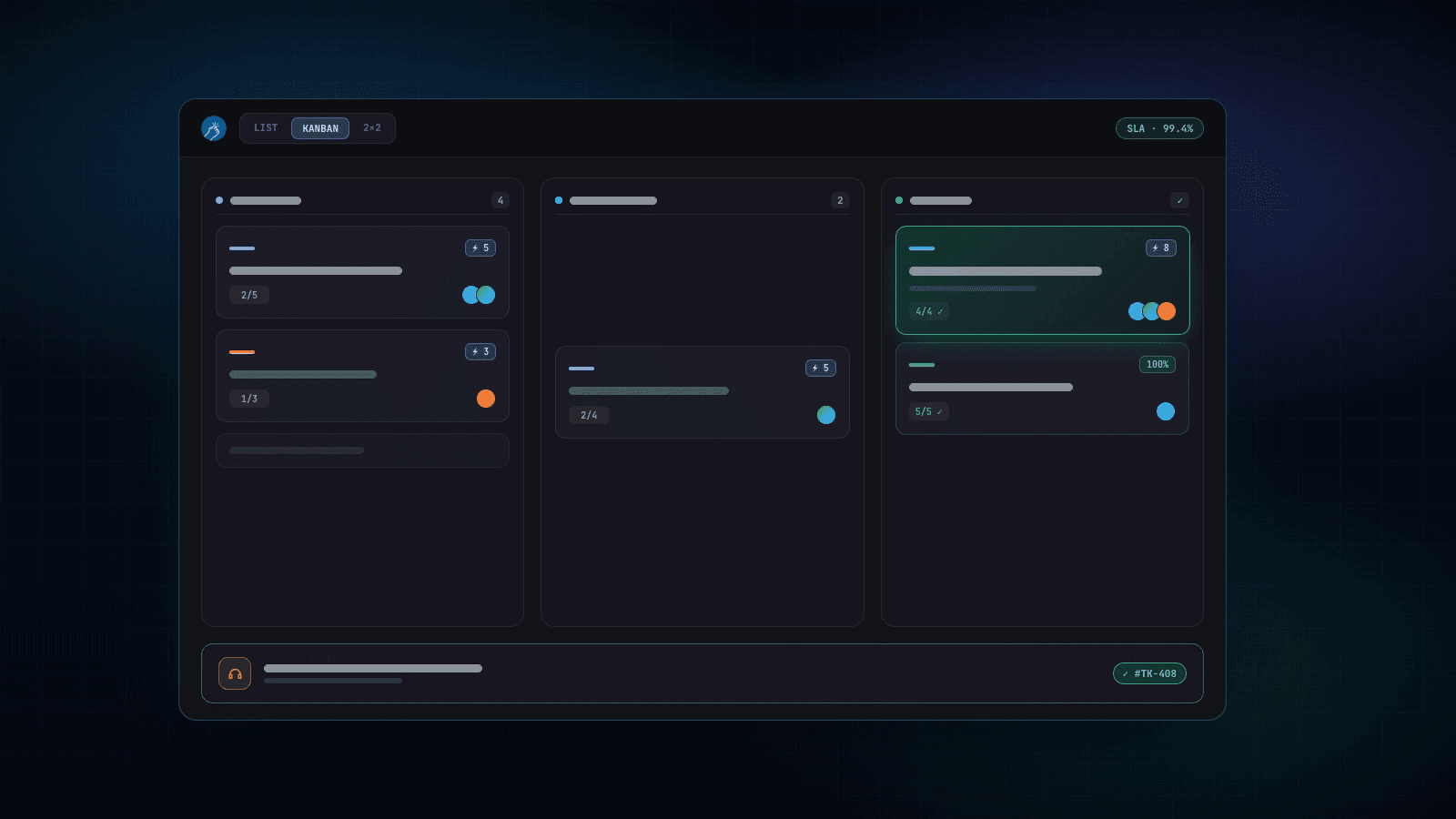
- List or Kanban. Follow tickets as a list or as columns by status: New, In Process, Pending, Resolved, Closed, Canceled.
- Linked to the rest of the work. A ticket can be given time on the calendar, and you can start a call from it when writing is too slow.
- Excel export. Export tickets to Excel when you want to count and compare.
The customer support teams page shows a full setup, and the help center has the steps.
What it does not do
Good to know. Meetlys does not turn incoming e-mails into tickets, and requests cannot be sent anonymously: a requester signs in first. Meetlys also makes no promise about response times on your behalf. Any reply time you offer customers remains your team's commitment to keep.
For a team whose customers are used to e-mail, this means a short transition. Answer the e-mail once, include the link to the form, and continue on the ticket.
Getting started in an afternoon
- Pick the team that answers the most requests today and switch on the support desk for its department or board.
- Write a form with three to five fields. Start with the questions you ask most often.
- Choose who is assigned to new requests.
- Put the link where customers already look: your website, your e-mail signature, your order confirmations.
- For two weeks, move every request that arrives elsewhere into the queue, and review the queue together on Fridays.
What to watch in the first month
Three simple signs tell you whether the queue is working. First, the share of requests that still arrive outside the door should fall week by week. If it does not, the link is hard to find or the form is too long. Second, look at the oldest open request each Friday; if it is the same one three weeks running, it needs a decision, not more waiting. Third, read what customers write in the form. Questions that repeat are a hint to change a product page, an instruction or the form itself.
The takeaway
Requests are lost when they have many doors and no queue. Give them one door, ask the useful questions at the start, put a name and an honest status on each one, and keep the whole conversation on the request. A support desk that sits next to your tasks and calendar makes those habits the normal way of working. The customer who wrote on Friday evening gets an answer because the request was waiting in the queue on Monday, where everyone could see it.