Tasks
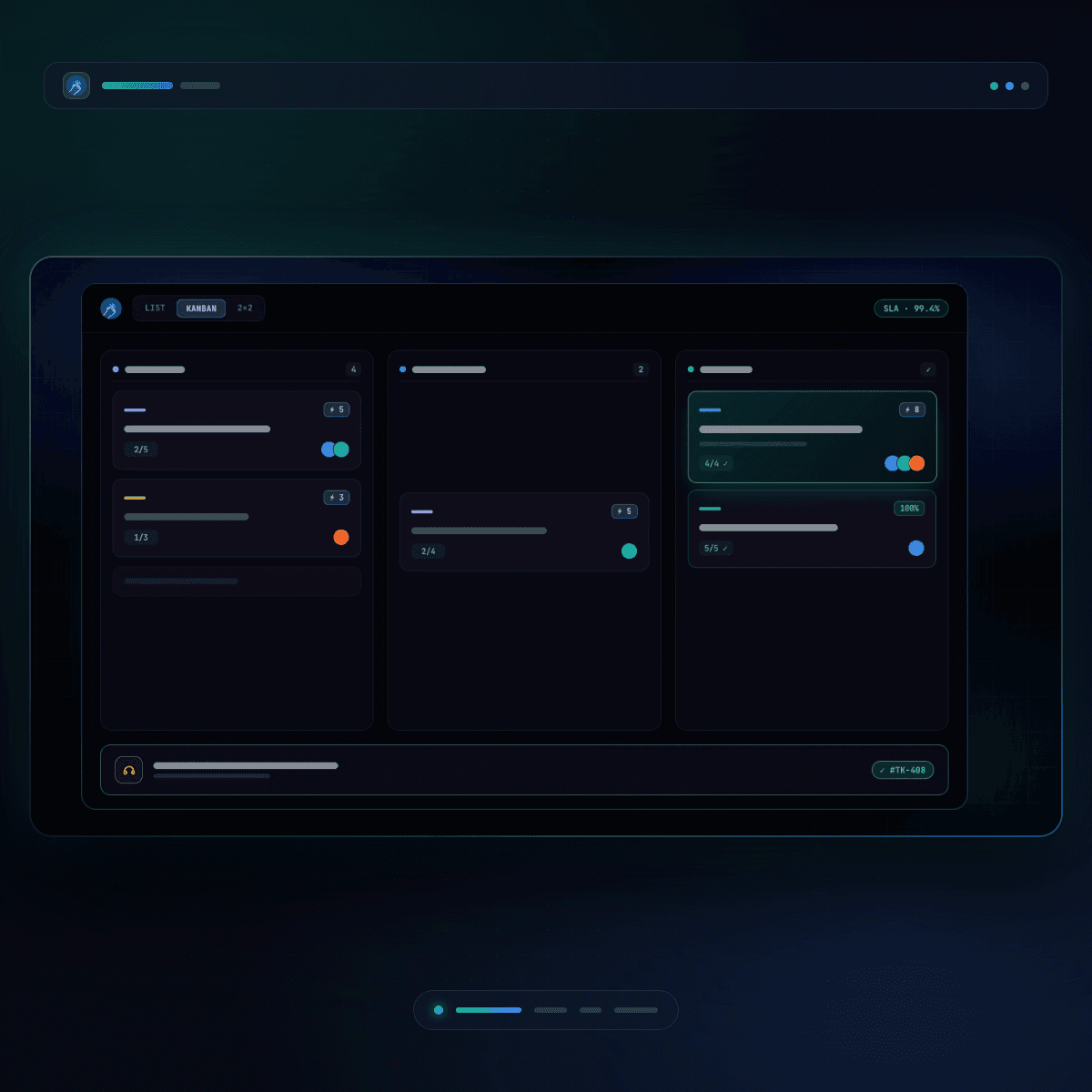
- ViewsList (with a compact view), Kanban and Eisenhower matrix
- People on a taskAssignees, CC and BCC followers, and an appointed Scorer
- SubtasksA checklist inside the task, or subtasks with their own assignee and date
- DeadlineTime left or overdue shows in the list; changing the date asks for a written reason
- Priority and labelsA priority level and colored labels, per board or company-wide
Know who is doing what, and by when
Someone says "I'll look into it" in a meeting, and then nobody does. Work kept in a spreadsheet is only as current as the last person who updated it. In Meetlys every task has an owner, a deadline and a priority, and its conversation, files and notes sit on the task itself.
So instead of asking someone "where are we on this?", you open the task and look.
Look at the same tasks the way the moment needs
List
All tasks one below the other, showing the time left until the deadline or how long a task is overdue. Compact view reduces each task to a single line.
Kanban
The columns are the workflow stages you define for your board. A task changes column as it moves forward.
Eisenhower matrix
Tasks place themselves in four boxes by urgent and important. If you disagree with a placement, drag the task or use a label.
How the matrix decides. Tasks with high priority or an effort of 5 or more count as important. Tasks that are overdue or due within 48 hours count as urgent.
Everything a piece of work needs, on one card
A campaign goes live on Friday. One person owns it, two more need to follow progress, and it breaks down into five smaller jobs.
| What a task holds | What it is for |
|---|---|
| Assignees | The person or people doing the work. You can add someone who has no account yet by e-mail address; they receive an invitation. |
| CC and BCC followers | People who are not doing the work but need to know how it is going. |
| Subtasks | A simple checklist inside the task, or real subtasks with their own assignee and date. |
| Deadline | Changing the date asks for a written reason, and the change is recorded together with it. |
| Priority and labels | Colored labels can belong to one board or to the whole company, and a task can carry several. |
| Conversation and attachments | Messages, files and voice messages stay in the task's own conversation. |
Make effort visible, and describe repeated work once
Effort and performance points
Appoint a Scorer for the task. The Scorer first sets the effort points, which show how heavy the work is, and gives the performance points when it is finished. Only the appointed Scorer or an admin can score; points are used for sorting the task list and in reports.
Task templates
Build ready-made subtask lists for work that follows the same steps every time. Setting up a new starter's equipment, for example: preparing the computer, opening the accounts and the handover arrive ready each time.
- When you assign a task to someone outside the board's team, they become a guest and see only the work assigned to them.
- A person assigned only to a subtask sees the parent task's title, but not its description, files or messages.
- Tasks you create or edit without a connection are saved on your device and sent when the connection returns.
A task connects to the rest of your day
More details
The remaining details of this feature.
| Feature | In plain words |
|---|---|
| Scoring | Effort and performance points, given by the appointed Scorer or an admin |
| Task templates | Ready-made subtask lists for work you repeat |
| Conversation | Messages, files and voice messages on the task itself |
| Guests | Someone assigned from outside the team sees only the work assigned to them |
| Offline | New and edited tasks are sent when the connection returns |
Give every piece of work an owner and a date
Open Meetlys, create your first task and choose who is responsible.
Free for up to 3 people