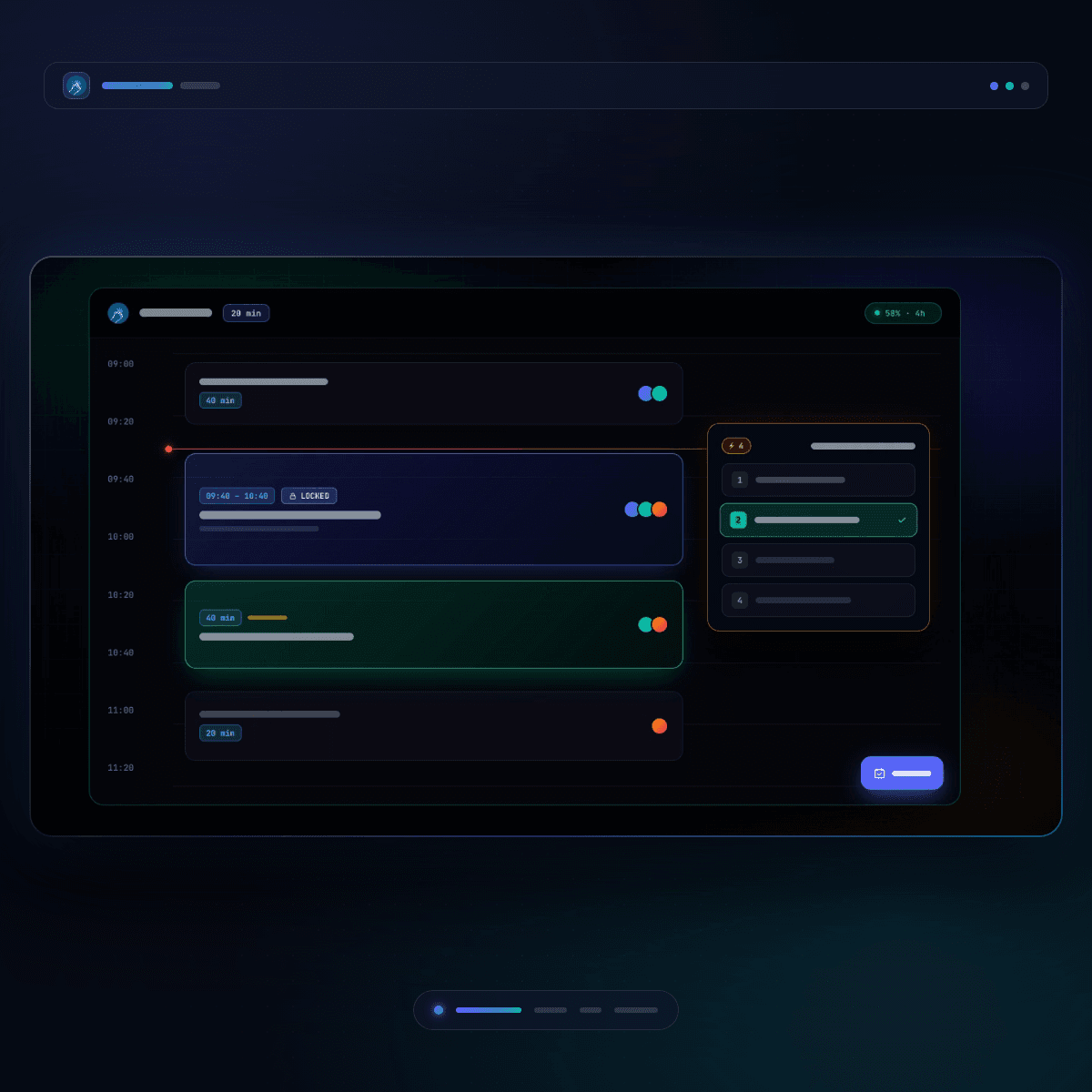
Meetings
- Meeting recordParticipants, conversation, notes, files and subtasks stay on one record
- RolesAdmin or Participant
- ResponsesPending, Going, Not going, Maybe; declining frees that time in the person's calendar
- LocationPick a meeting room or another place; the hours when the location is taken show while you plan
- Plan in the calendarThe meeting's time is a plan linked to it in the calendar; recurrence is set there
A meeting is a record of the work, not just a box in a calendar
The invitation is in one place, the link in another, the notes in someone's notebook and the slides in an e-mail attachment. When the meeting ends you are left with scattered pieces.
In Meetlys a meeting is a single record: who took part, who answered what, what was discussed, the notes and the files all stay together. They are still there when you open it three months later.
What you find when you open a meeting
Participants and their roles
Each person on a meeting is either an Admin or a Participant. Anyone can create a meeting.
Its plan in the calendar
The meeting's time is a plan linked to it in the calendar. Location, recurrence and conflict choices come from there.
Its own conversation
Questions before and follow-ups after are written on the meeting, so they do not get lost in a general chat.
Notes
Attach a note to the meeting and the participants can read it. Earlier versions are kept and can be restored.
Files
Add the slides and attachments to the meeting. Meeting files are visible only to participants and the relevant managers.
Follow-up work
Add what comes out of the meeting as subtasks, so it stays on record who took on what.
From invitation to call in four steps
Create it and add people
Choose your colleagues. For someone without a Meetlys account, typing their e-mail address is enough, and you can share the invitation link from any app you like.
Set the time
Look for free time across the participants and place the meeting in the calendar. See Planning and Calendar for the details.
Follow the responses
Each participant answers Pending, Going, Not going or Maybe. For someone who says "Not going", that time becomes free in their calendar, and the organizer still sees who declined.
Call when the time comes
Start the voice or video call from the meeting itself. There is no separate link to send.
Reserve the meeting room together with the meeting
When you plan the time of a meeting you can also pick a location: a meeting room, a branch or the client's office. The plans of the location you pick appear in the calendar next to the participants' plans, so you see up front when the room is taken.
Locations from a ready list
You define locations once: type, capacity, address and place on the map. When you plan a meeting you pick one from the list.
A place that is not on the list
If the meeting is not held at a defined location, you can describe the place in free text.
Everyone knows where to be
A participant who opens the meeting sees the place in the Location tab. In messages you can mention a location with the > symbol.
To define locations see Team and Organization; to choose the time see Planning and Calendar.
Invite first, they can sign up afterwards
Your client or consultant may not use Meetlys. Add their e-mail address as a participant; once they sign up, the invitation is accepted automatically and they see the meeting.
- On a phone you can pick the person from your contacts, as long as the contact has an e-mail address
- Someone added from outside your team becomes a guest and sees only the meeting they were invited to, not the rest of the team's work
- Managers can pause or remove a guest's access at any time
The difference between Conversations and Meetings
Not every discussion needs a time slot. That is why Meetlys offers two entries.
| Conversations | Meetings | |
|---|---|---|
| When | No set time; an ongoing group conversation | Has a plan in the calendar |
| How it starts | With "New Group" | By scheduling it |
| What is inside | Participants, conversation, notes, files, subtasks | The same, plus the calendar view and responses |
| Example | A project team's day-to-day discussion | Thursday 2 pm client presentation |
Good to know. Meetings do not sync with other calendar apps, and calls are not recorded. A meeting you create or edit without a connection is sent when the connection returns.
Everything around the meeting
More details
The remaining details of this feature.
| Feature | In plain words |
|---|---|
| Calling from the meeting | A voice or video call starts from the meeting itself |
| Notes and files | Attached to the meeting; files are visible only to participants and the relevant managers |
| Inviting people without an account | By e-mail address or a shared invitation link; the invitation is accepted automatically once they sign up |
| Conversations and Meetings | Conversations are group discussions with no set time; Meetings are the ones scheduled in the calendar |
| Offline | A meeting created or edited without a connection is sent when the connection returns |
| Not included | No sync with other calendars and no call recording |
Keep the trail of your next meeting
Open Meetlys, create the meeting and write the notes where they belong.
Free for up to 3 people