Why work gets lost between apps, and what a single workspace changes
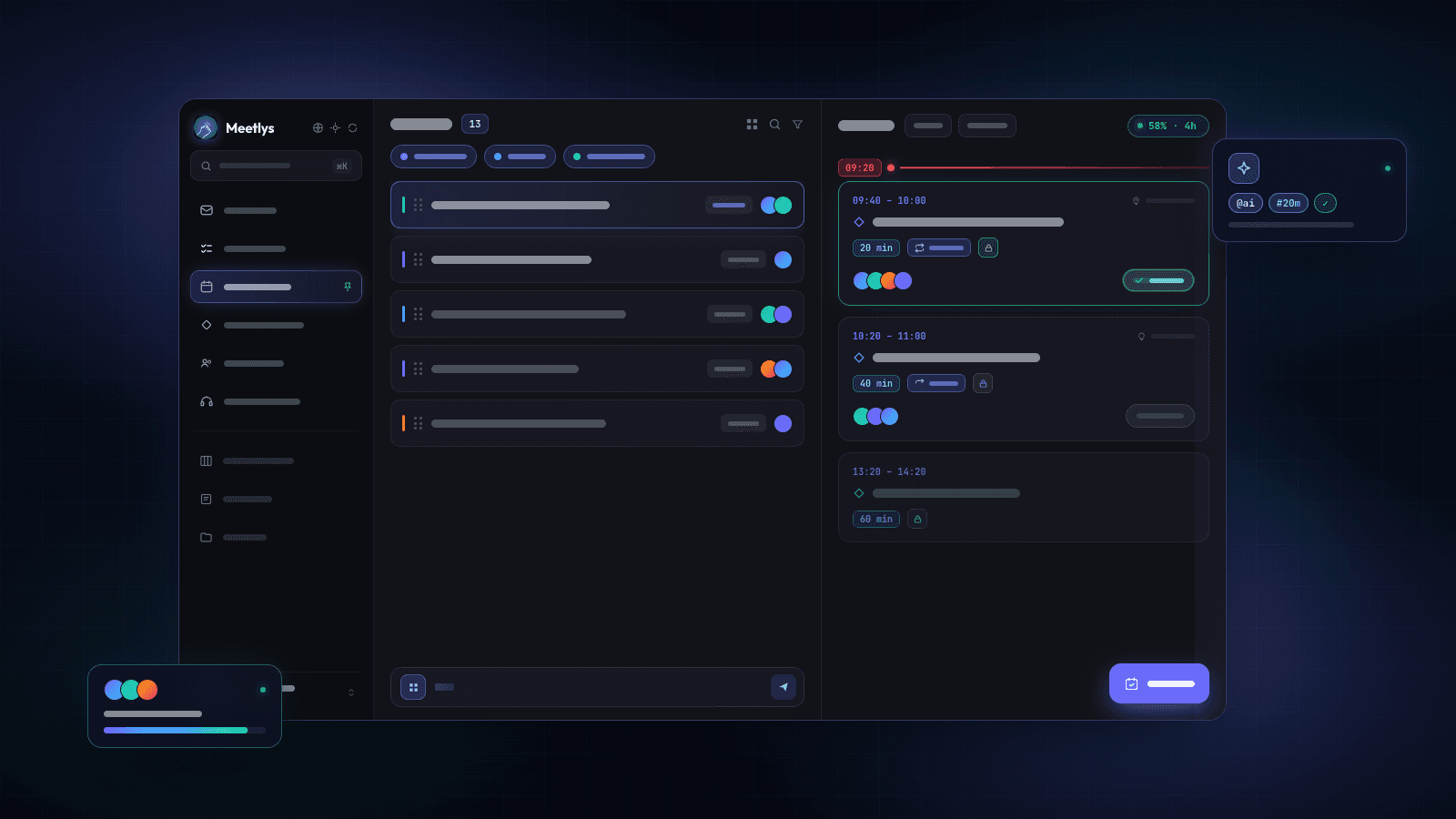
It is Thursday afternoon and someone asks where the final version of the offer is. One person remembers it being sent in a chat. Another thinks it was attached to an e-mail. The task that mentions it says "see the file", with no file. Ten minutes later three people are searching for work that was already finished.
Nobody did anything wrong. The work was simply spread across tools that do not know about each other. This post looks at where work gets lost, what you can do about it today, and what changes when conversation, time, tasks and files sit in one workspace.
Where work actually gets lost
Work rarely disappears inside a tool. It disappears at the edges, when it has to cross from one tool to another.
The decision stays in the chat
A team agrees on something in a conversation. The task the decision belongs to is in a different app, and nobody copies it over. Two weeks later the task still says the old thing, and the person doing the work follows the task.
The file has three homes
One copy in a chat, one in an e-mail, one in a shared folder. Whoever opens the wrong one works from old numbers.
The calendar does not know about the task list
Your calendar shows meetings. Your task list shows deadlines. Neither shows that the three tasks due on Friday need six hours you no longer have.
Access is managed five times
Every tool has its own member list. When a freelancer joins, someone adds them in five places. When they leave, one is usually forgotten.
What you can do with the tools you have
You do not need new software to reduce these losses. A few habits help in any setup.
- Give every piece of work one home. Decide where a task "lives" and treat everything else as a pointer to it. If a decision is made in chat, let the last message be a link to the task where it has been written down.
- Write the decision where the work is. A one-line note on the task ("agreed with the client: delivery on the 14th") saves a search through a week of messages.
- Attach, do not send. Put the file on the item it belongs to, and share the item. A file that travels alone loses its context on the way.
- Put work time on the calendar, not only meetings. If a task needs two hours, give it two hours. A deadline with no time reserved is only a wish.
- Review access when a project ends. Make it a step of closing the project.
These habits work, but they cost effort: you are doing by hand what the tools do not do for each other. Every link you paste is a small bridge you have to maintain.
What a single workspace changes
When messaging, planning, tasks, notes and files are parts of the same app, most of those bridges are no longer needed, because the items know about each other.
- The conversation about a task happens on the task, so the decision is already where the work is.
- A file belongs to the task, meeting or chat it was added to, and whoever can see that item can see the file.
- Time for tasks and time for meetings sit on one calendar, so an overfull week is visible before it starts.
- People are added and removed in one place.
A single workspace has a cost too. A team that loves a specialist tool for one job may find the all-in-one version of it plainer. The trade is worth it when the losses at the edges cost you more than the depth of any one tool gives you, which is often the case when work is mostly talking, scheduling and following up.
How this looks in Meetlys
Meetlys is built around this idea:
- One inbox. Task assignments, mentions, direct messages, support ticket updates and upcoming meetings arrive in a single inbox, and each entry opens the item it is about. See inbox and messaging.
- Mentions that point at work. Type
@for a person,#for a company,^for a department,%for a board,&for a meeting. The mention becomes a chip that opens the item when tapped, so "see the task" is a link, not a search. - Files and notes that stay with the work. A file lives with its task, meeting or chat and follows its permissions. Notes can be attached to tasks, meetings and boards, and they keep a version history you can restore from. See files and notes.
- One calendar for all committed time. Meetings, tasks and support tickets can all be planned in 20-minute slots, and a timeline bar at the top of every screen shows what is on now and what is next. See planning and calendar.
- One place for access. People are added to companies, departments and boards with one of two roles, and when someone leaves, their access is cut everywhere at once. See team and organization.
Good to know. Meetlys does not sync with Google or Outlook calendars today. If part of your scheduling lives there, plan for that when you move.
A sensible way to move
Do not move everything on a Monday. Pick one project or team and run it in a single workspace for two or three weeks. Then ask how many times someone had to ask where something was. If that number went down, widen the circle. The help center has guides for setting up your first company, board and team.
The takeaway
Work gets lost at the edges between tools, not inside them. Good habits close some of those gaps by hand; a single workspace closes them by design, because the conversation, the time, the file and the people all belong to the same item. Start small, and let the number of "where is it" questions decide the next step.